
Add custom models
To add a new custom model:
-
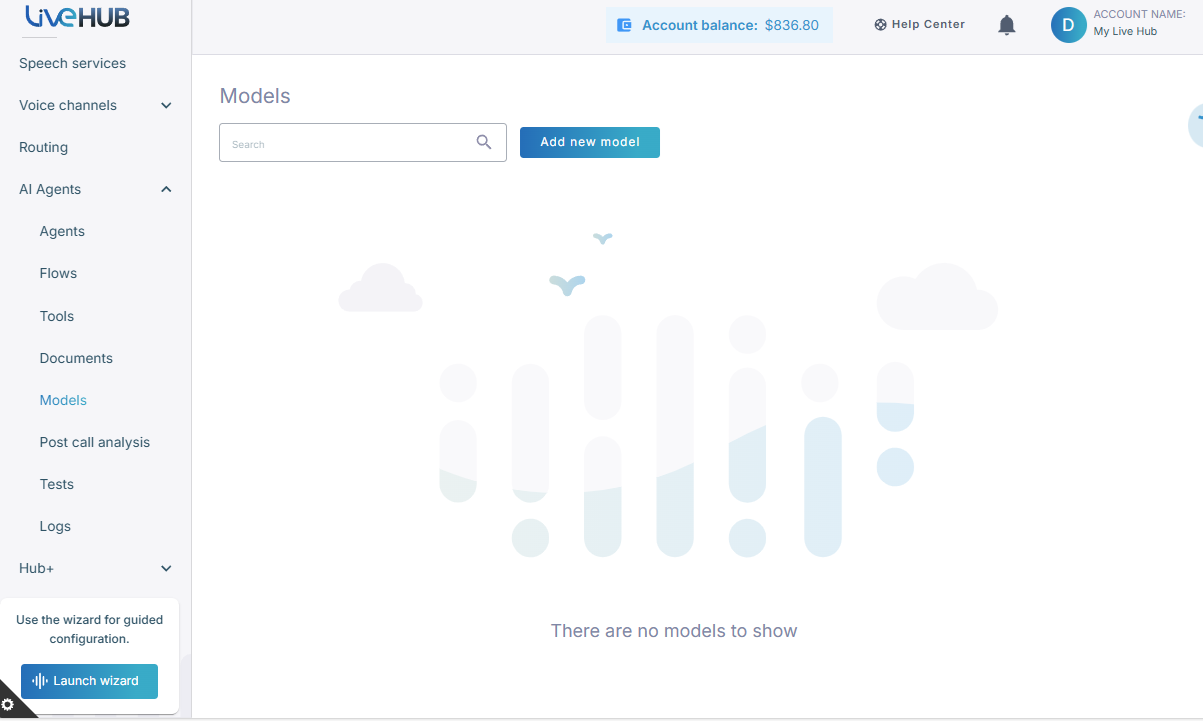
In the Navigation pane, expand AI Agents, and then click Models.
-
Click Add new model.
-
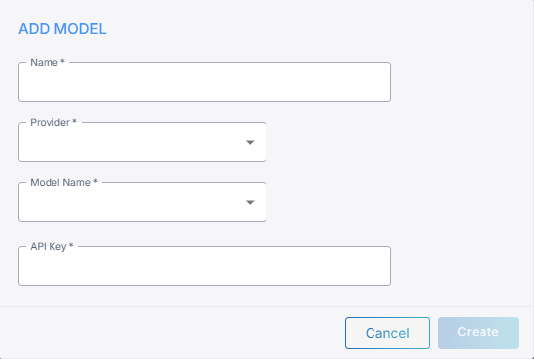
In the 'Name' field, enter a short name for the model.
- From the 'Provider' drop-down list, select your model provider.
- From the 'Model Name' drop-down list, select the model name.
- In the 'API Key' field, enter the API key.
- For Azure OpenAI provider, enter a 'Deployment Name', and 'API Base URL'.
- For Amazon provider, enter 'AWS Access Key ID', 'AWS Secret Access Key', and 'AWS Region Name'.
- For Google Vertex AI provider, enter 'Region', and upload an 'API Key File'.
- Click Create.